


|
|
|
|
|
|
|
|
|
version 2004 (Modified)
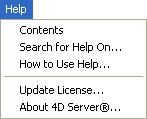
The first commands of the Help menu allow you to view on-line help for 4D Server.
Update License...
This command displays the window used to activate additional licenses in your 4D environment.
For more information about this dialog box, refer to the 4th Dimension Installation Guide manual.
The About 4D Server... command displays the About dialog box. This dialog box provides information regarding the 4D Server application (name and location of application files), the running database and system files. You can display different information using the dialog box tabs:
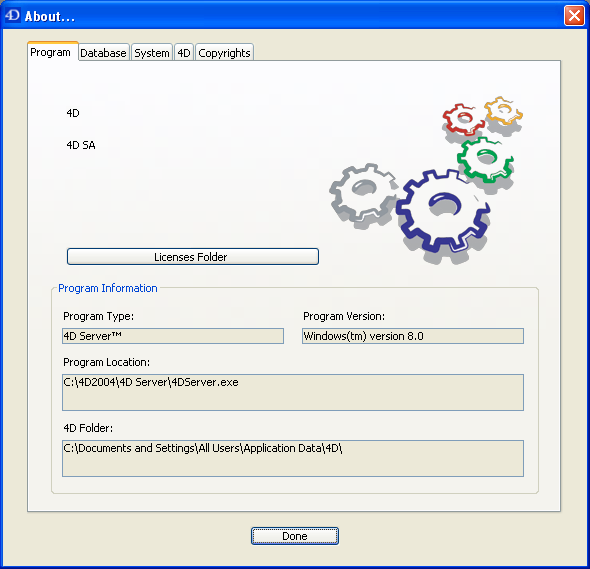
In addition, the 4D page allows accessing to the 4D Server on-line registration feature.
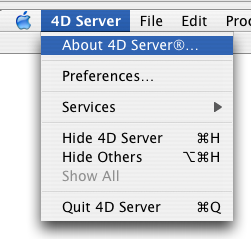
Note: Under Mac OS, the About 4D Server command is found in the 4D Server menu (application menu).
See Also
Data Menu, Edit Menu, File Menu, Process Menu, Web Server Menu.
|
|
|
|
|
|
|
|
|