


|
|
|
|
|
|
|
|
|
|
version 2004 (Modified)
Commands in the method editor
4D View commands can be displayed in a list in the 4th Dimension Method editor. The list can contain either the 4D View commands only, or all the available plug-ins commands:
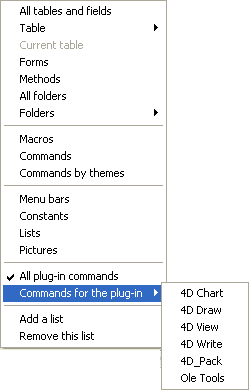
Plug-ins commands are grouped in "themes" in hierarchical lists:
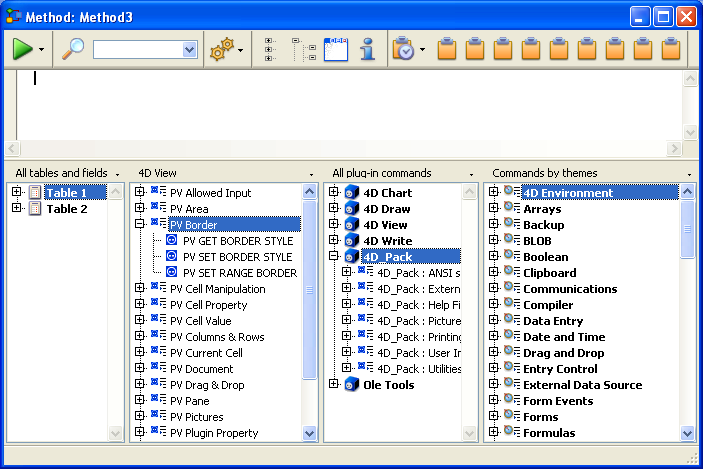
Plug-ins commands are also displayed on the Components page of the Explorer.
You can insert a 4D View command in a method just as you do for any 4th Dimension command: you can either type it directly into the Method editor or double-click the command name in the list.
4D View routines can be used in any type of method: database, project, form, object, or trigger.
Constants in the Explorer
4D View constants are listed by theme in the 4D Explorer. Names of 4D View constants are preceeded by a "_" so that they are put at the end of the list.
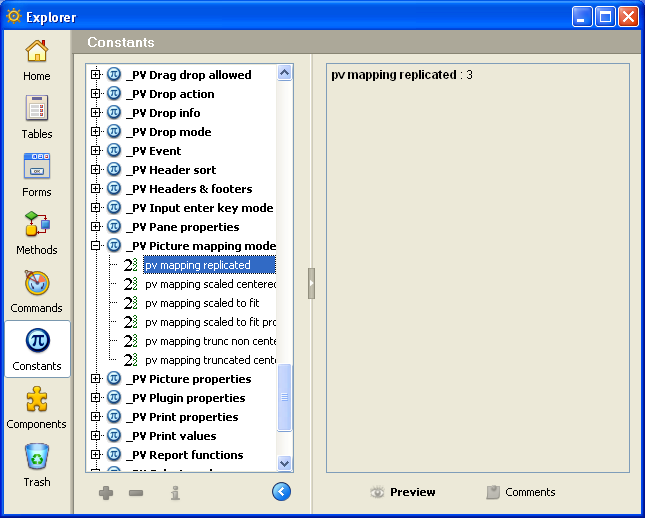
To insert a 4D View constant in a method, enter it in the method editor window or drag and drop it from the 4D Explorer.
|
|
|
|
|
|
|
|
|
|